Posted by Admin
January 28, 2026
How To Choose The Right AI Music Generator: A Beginner’s Guide
The process of creating music through AI technology brings excitement to users yet presents difficulties during their initial attempts. New users face difficulties when they encounter platforms that offer extensive feature lists that exceed their capacity to handle.
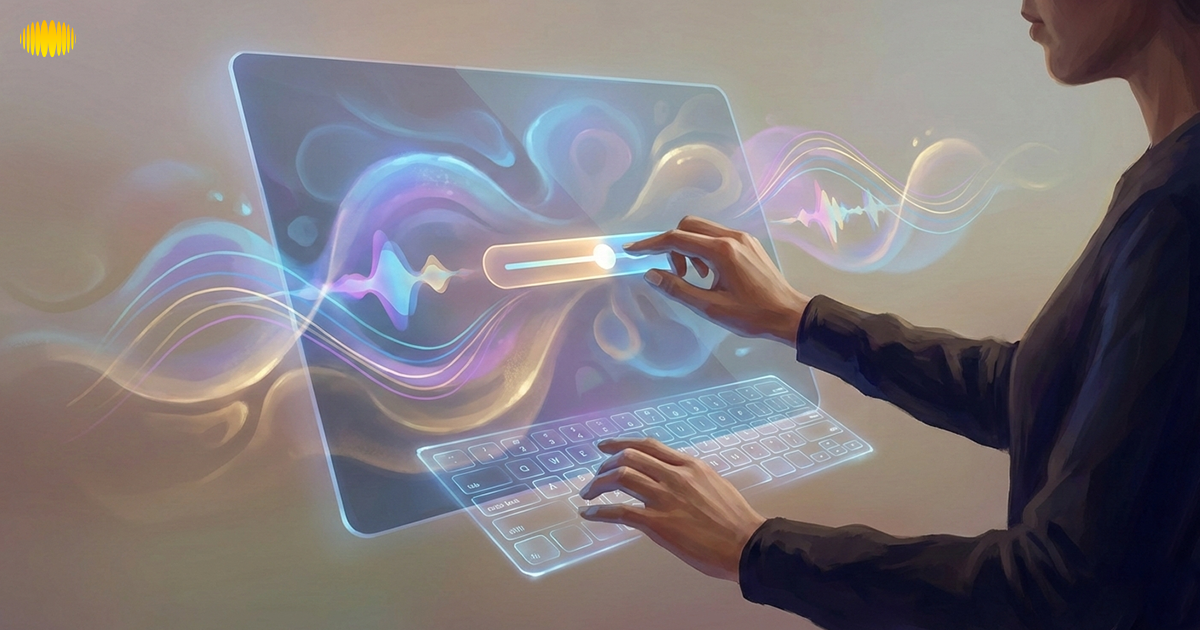
You need to establish your project objectives before using AI tools. The system should provide an intuitive experience for users who need to create background music and complete tracks. You do not need advanced capabilities to get started. The process of turning ideas into reality requires only straightforward options.
Early tool selection enables users to complete their tasks without wasting time or experiencing system difficulties. You can work with assurance because the system enables you to control sound quality and basic functions, and user interface design. A successful AI music application needs to help users develop their creative ideas while making their work experience more efficient.
What Is An AI Music Generator?
An AI music generator is an intelligent machine with the ability to make music. It learns from thousands of songs in order to recognize rhythm, mood, and sound patterns. It can create melodies, beats, or entire songs with the simplest of prompts.
These tools are designed to help beginners create music easily. You may use it for videos, songs, or content shared on social media platforms. It’s a quick and clever way to translate thoughts into music.
Why Choosing The Right AI Music Generator Is Important?
Choosing the right tool directly affects the quality of the music you create. Every platform isn’t for everyone, creatively speaking. Knowing how to choose the right tool helps you avoid wasting time and ending up with poor results.
Make the right choice for you, your style, and purpose. It also makes music production feel easy and not daunting. That’s why it does matter to know how to choose an AI music generator.
Define Your Use Case First
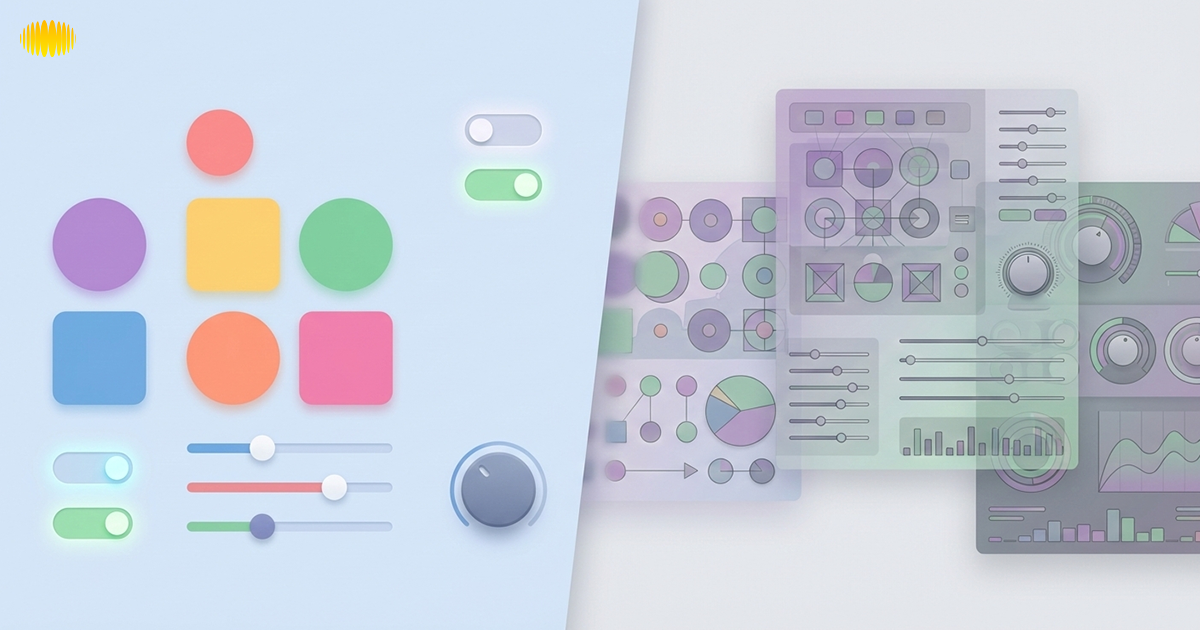
Before picking any tool, you need clarity on why you need the music. Defining your goal first makes choosing the right AI music generator much easier and stress-free.
- For videos or podcasts, choose a tool for video background music that creates soft background tracks.
- If you want full tracks, look for an AI music generator for songs with a clear structure.
- Short-form creators should pick catchy, fast outputs for reels or ads.
- For lyrics, an AI music generator with vocals is the right fit.
- Clear goals help beginners understand how to select the right AI music tool confidently.
Key Features To Look For In An AI Music Generator

You should search for tools that provide easy operation and multiple operational choices. The most useful features include basic mood control, support for vocals, and high-quality export settings that fit different types of projects.
Ease of Use
A good tool should feel easy from the first use. Clear menus and straightforward prompts help beginners get started without confusion. You should be able to create music without any technical knowledge. When a platform is easy to navigate, the whole process feels relaxed and enjoyable.
Customization Options
The right tool allows you to shape music according to your idea. You can modify all aspects of the final track from genre selection to mood settings and tempo choices, and instrument preferences. The options you get here will help you create unique music that expresses your individual style.
Vocal Support Vs Instrumental
Some tools create only instruments, while others add vocals. An AI music generator with vocals lets you produce full songs with singing. Instrumental tracks are great for background music or videos. Choosing the right type fits your project perfectly.
Output Length And Structure
Check if the tool lets you create short loops or full tracks. An AI music generator for songs should offer a clear structure with an intro, a verse, and a chorus. Flexible output length helps match your project needs. It gives you control over every part of your music.
Export Quality
The presence of high-quality audio helps your music sound more professional. An AI music generator for video content should be able to export as MP3, WAV, or another high-quality format. High-quality exports help your tracks sound polished and make editing or sharing much easier.
Licensing Transparency
Make sure to keep track of whoever owns your music. Royalty-free music tools allow you to use tracks in videos, songs, or social media without usage concerns. Transparent licensing helps avoid copyright and headaches. It gives beginners confidence to create freely.
Music Quality: What Really Matters
Music quality is key to a great track. An AI music generator for songs should produce balanced melodies and smooth rhythms. Proper structure, like intro, verse, and chorus, matters. Even the best AI output may need small edits for polish. High-quality music sounds professional and engaging. Focusing on quality ensures your content stands out.
Customization And Creative Control
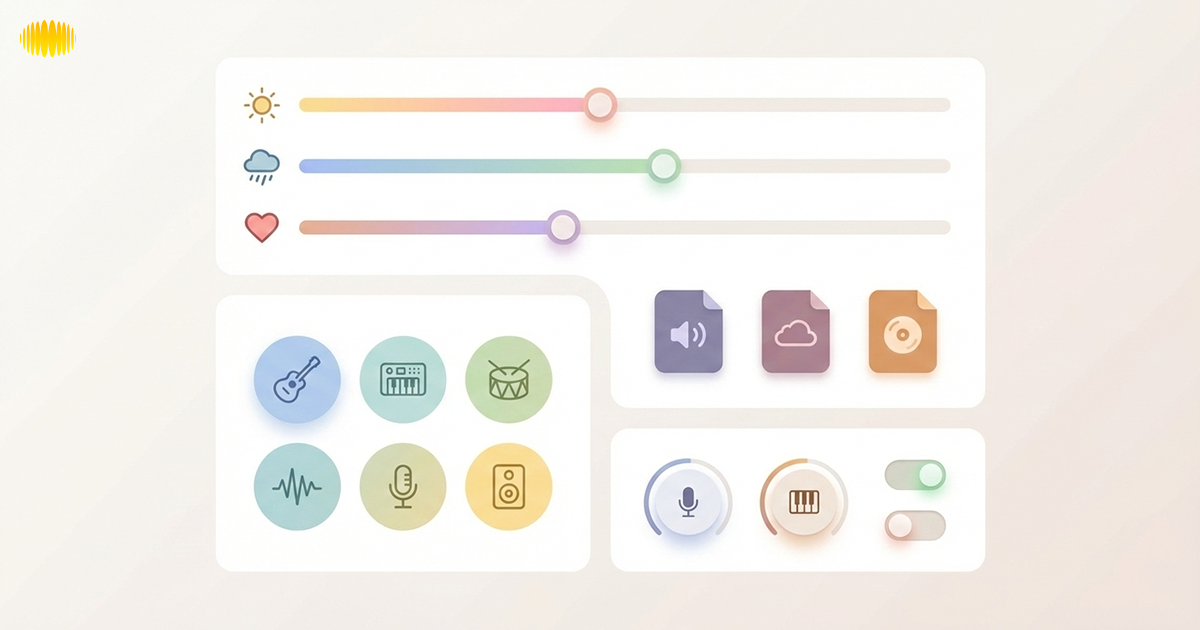
Creative control helps you make music that truly fits your vision. With the right features, you can guide the AI instead of just accepting random results. Some platforms, such as Sonygram.ai, focus on giving users more control over mood, structure, and creative direction while keeping the process simple for beginners.
- Use prompts to set mood, tempo, and style with an easy-to-use music platform.
- Adjust instruments and layers to create unique sounds.
- Generate vocals or instrumental tracks with an AI music generator with vocals.
- Edit sections separately for better structure and flow.
- Experiment and iterate to find the perfect track for videos, songs, or social content.
Copyright, Royalty-Free, And Usage Considerations
Copyright matters when using AI-created music. A royalty-free AI music generator lets you use tracks in videos, songs, or social media without worry. Always check the platform’s license and terms. Some tools allow monetization safely. Understanding usage rules protects your content. This ensures you create freely and confidently.
AI Music Generators For Beginners Vs Advanced Users

AI music tools vary based on experience. Beginners need simplicity, while advanced users want more control. Here’s a quick comparison:
| Feature | Beginners | Advanced Users |
|---|---|---|
| Ease of Use | Simple interface with guided prompts | Detailed controls and settings |
| Creative Control | Limited but helpful creative control | Full control over tempo, instruments, and structure |
| Output Options | Quick loops or short tracks | Complete song composition options |
| Learning Curve | Very low learning curve | Steeper learning curve |
| Best For | Best for fast projects and content creation | Best for professional and complex projects |
← Swipe horizontally to view full table →
How To Test An AI Music Generator Before Committing
Testing a tool before using it saves time and effort. Try different prompts and moods using beginner-friendly music tools. Check if it handles both short clips and full tracks. Review export quality in formats like MP3 or WAV. Make sure it’s a royalty-free AI music generator for safe usage. Compare multiple outputs to see consistency and quality.
The Future Of AI Music Generation
The future of music is shaped by AI tools. AI music generators for beginners will become more intuitive and creative. Expect better vocal synthesis and mood-based tracks. Integration with social platforms will make sharing easier. Customization and control will grow for all users. AI will act as a creative partner, not just a tool.
Conclusion
Choosing an AI music generator becomes simpler when users understand their specific musical creation requirements. The evaluation process for background music, which supports videos, full-length tracks, and social media content, needs three criteria: user interface design, sound performance, and copyright licensing information.
The appropriate tool for each creator exists because different creators have distinct working methods. Users who need basic functions should select simple tools, while users who want advanced features should choose complex tools. The most effective method for progress requires testing multiple options to make decisions based on actual outcomes.
Frequently Asked Questions (FAQ’s)
1. What Is An AI Music Generator?
An AI music generator is a software that generates music using artificial intelligence. You feed it a prompt, a mood, style, or tempo, and it generates a track within seconds.
2. How Can I Choose An AI Music Generator That Fits My Needs?
Start by identifying where you plan to use the music, such as videos, social media, or full songs. Then compare features, export options, and licensing terms to see which platform aligns with your project goals.
3. Are AI Music Generators Beginner-Friendly?
Yes. Many of these tools are for beginners. You don’t need to know anything about music to get going. Simply choose settings, click generate, and you’re all set.
4. Can AI-generated music be used in videos or on social media?
In most cases, yes. If the tool comes with royalty-free music, you can share it on videos and social platforms. Just be sure to review the terms and conditions of use before you post.
5. Do AI Music Generators Require Musical Skills?
No, they are made for all users. You can create professional music without training.