Posted by Admin
February 4, 2026
Best AI Music Generators In 2026: Compare Tools For Songs, Vocals, and Royalty-Free Background Music
AI music tools have evolved into vital parts of creator workflows in 2026. Once requiring hours of studio time, now songs, vocals, and background tracks can be created from a simple idea or a few typed words.
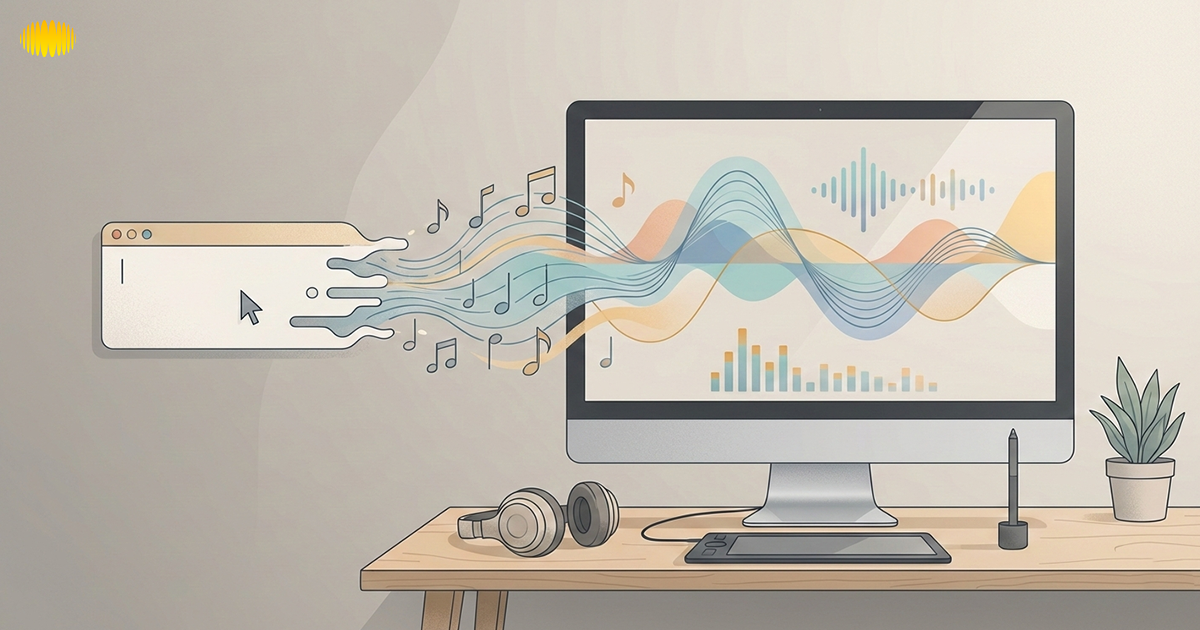
The speed of AI music generation has left many unsure about which tool to use. Some creators want full vocal tracks, others need royalty-free background music for videos, and some are after advanced control over stems and MIDI.
Licensing also adds confusion, especially for US-based creators, with unclear rules about monetization, ownership, and copyright. This guide will help you navigate through these issues, offering simple, understandable options tailored to your music creation needs.
What Is An AI Music Generator?
An AI music generator is a software powered by machine learning that creates music based on vast audio datasets. Instead of writing notes or playing instruments, you simply describe what you want, and the system generates music to match.
Most tools use text prompts (mood, genre, tempo), but some accept additional inputs like lyrics, melodies, or reference audio. The AI processes patterns and creates a fresh track.
AI music generators vary. Some create full tracks, including vocals and lyrics, while others focus on instrumental or background music. Advanced systems serve as composition assistants, generating material that can be edited in professional software.
Recommended Read: How To Choose The Right AI Music Generator: A Beginner’s Guide
Types of AI Music Generators
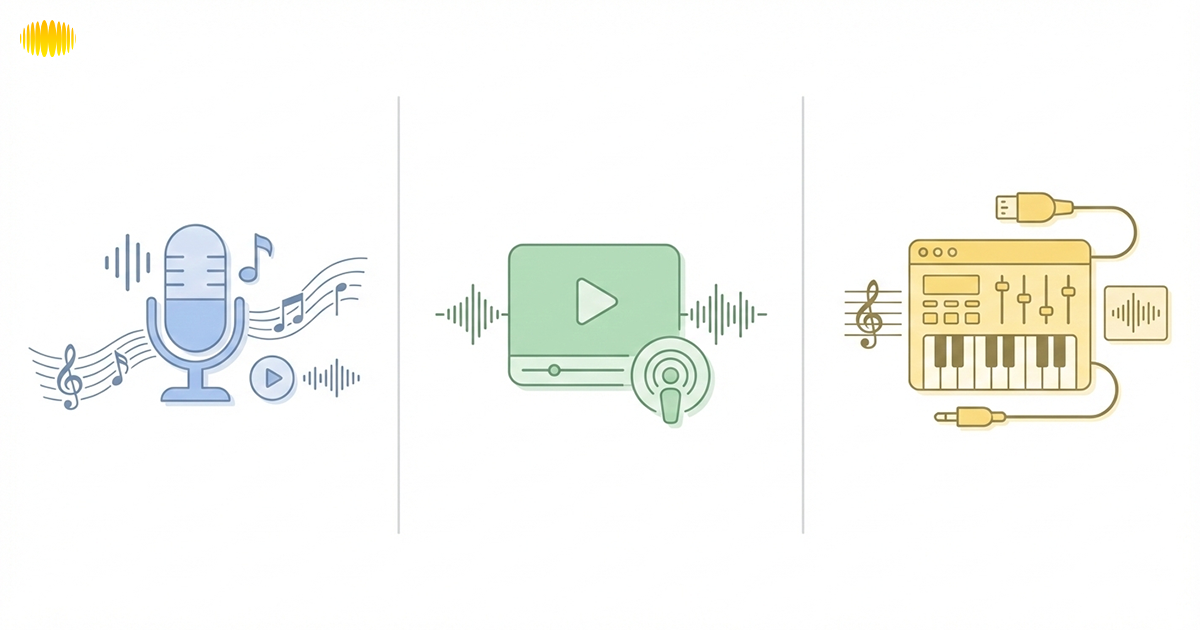
AI music generators typically fall into three categories:
Full-Song Generators With Vocals
These composite tools make entire tracks in every sense, with lyrics, melody, arrangement, and singing. They’re perfect for demos and creative experiments.
Royalty-Free Background Music Generators
These tools cater to the needs of anyone who requires instrumental music for their videos, podcasts, ads, or apps. Their focus is on speed, consistency, and if things are well-licensed so tracks can be safely used in monetized content.
Composer And Producer-Oriented AI Tools
Created for added control, they deliver stems and MIDI so you can adjust your mix in any DAW. They provide increased flexibility and are geared towards producers, developers, and studios wanting to bring AI into a larger production pipeline.
How We Evaluated AI Music Generators
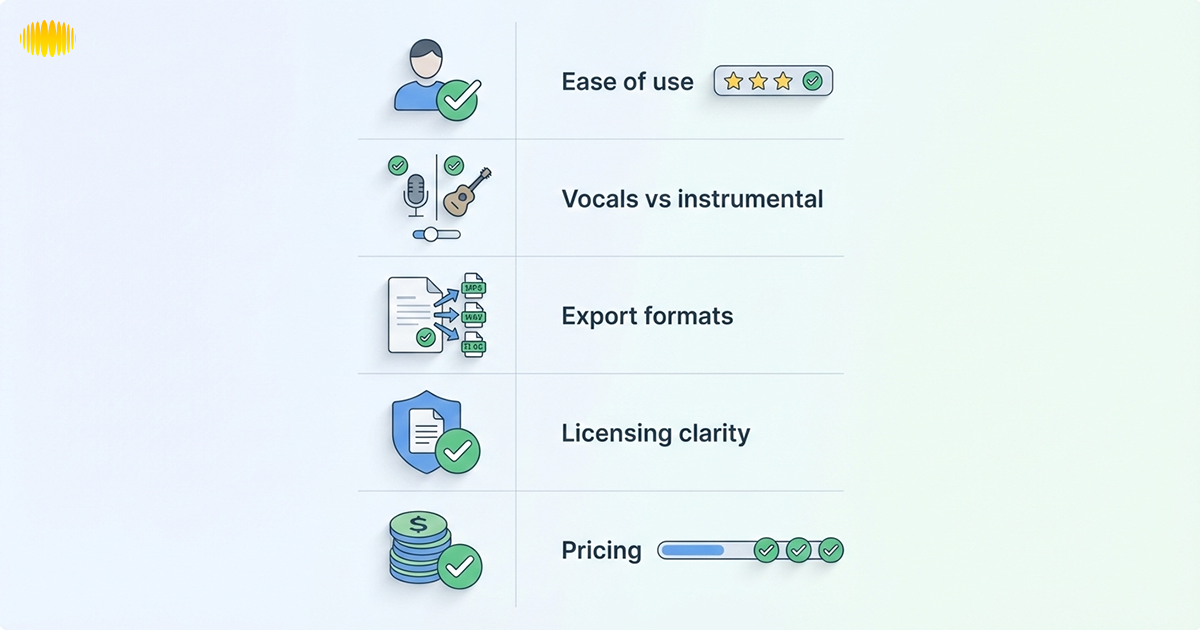
In order to evaluate tools fairly, we adopted a common analysis framework based on the actual creator needs instead of marketing features.
- Ease of use: Just how easy is it for a beginner to produce music he or she can actually use, without knowing anything about theory and harmony?
- Customization controls: Ability to alter structure, feel, instruments, vocals, and arrangement.
- Vocals vs instrumental support: Does the software make vocal tracks, background music, or both?
- Output length and structure: Limits on track duration and control over song sections.
- Export formats: You can export as MP3, WAV, stems, and MIDI files.
- Licensing transparency: How explicit is the service about commercial use, monetization, and ownership?
- Pricing model: Subscription structure, usage limits, and restrictions applied to free tiers.
Recommended Read: AI Songwriting: How to Write Songs Using AI (2026 Guide)
Quick Picks: Best AI Music Generators By Use Case
This bit is for quick decisions. If you read only one section of this guide, read here.
Best Overall
Sonygram.ai stands out for its clear workflows and transparent licensing, making it ideal for creators who need reliability and simplicity.
Best for Vocals & Full Songs
Sonygram.ai is perfect for creating vocal-driven songs, providing a balance between ease of use and depth for more serious music creation.
Best for Background Music
For royalty-free background music, Sonygram.ai is a solid choice, offering clear licensing and fast results that suit content creators in need of quick, safe music.
Best for Producers & Advanced Users
Sonygram.ai’s support for MIDI and stems makes it a great tool for producers looking to fine-tune their music in professional workflows.
Recommended Read: AI Birthday Song Generator: Create Personalized Birthday Songs with AI
AI Music Generator Comparison Table
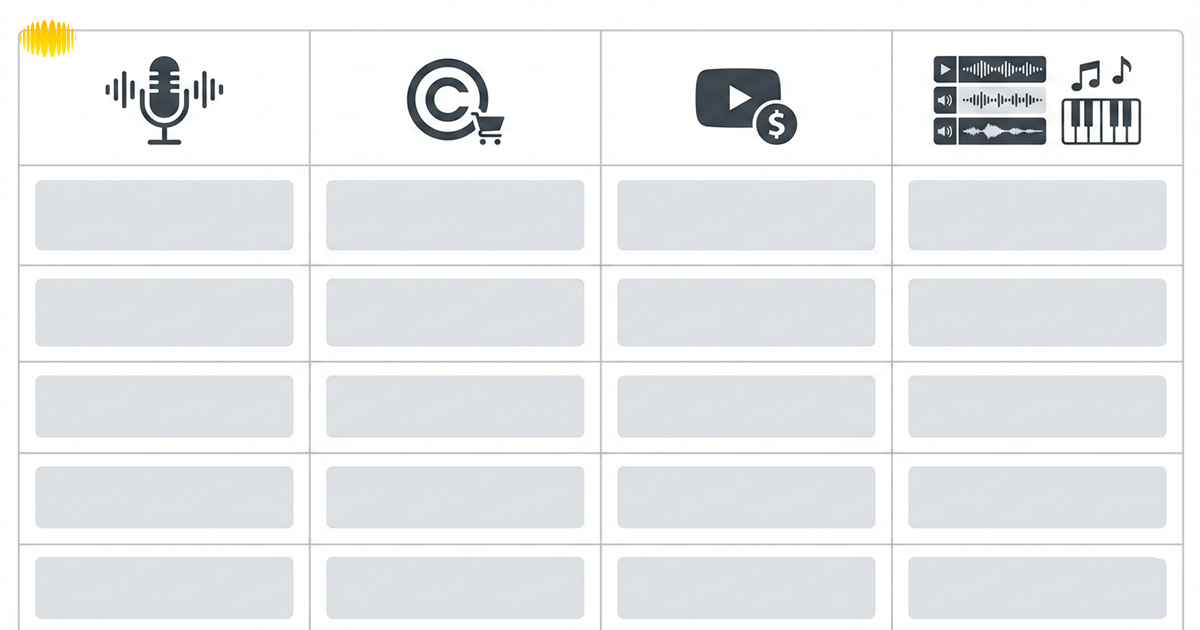
The table below shows the differences that are significant when selecting an AI music generator. This is a consideration that tends to impact monetization and workflow beyond just the sound quality.
| Feature | Vocal Song Tools | Background Music Tools | Composer AI Tools |
|---|---|---|---|
| Vocals | Yes | No | Optional |
| Instrumental tracks | Yes | Yes | Yes |
| Commercial use | Limited by plan | Usually allowed | Usually allowed |
| YouTube monetization | Varies | Commonly supported | Commonly supported |
| Spotify distribution | Often restricted | Sometimes allowed | More flexible |
| Stems / MIDI export | Rare | No | Yes |
| Editing depth | Low to Medium | Low | High |
| Best for | Songs, demos | Videos, podcasts | Production workflows |
| Licensing clarity | Medium | High | Medium to High |
← Swipe horizontally to view full table →
How to Test an AI Music Generator Before Paying
Before committing to an AI music generator, ensure it aligns with your needs. Here’s how to test:
- Prompt Testing: Experiment with different prompts to see if the tool accurately generates music based on your instructions.
- Genre Switching: Test how well the tool adapts to different genres.
- Vocal vs Instrumental Comparison: Generate both vocal and instrumental tracks to compare quality and suitability.
- Export Testing: Check available export formats like MP3, WAV, and MIDI to ensure compatibility with your workflow.
- Consistency Checks: Test multiple tracks with similar prompts to assess the tool’s consistency in delivering high-quality results.
Individual AI Music Generator Reviews

Each review follows the same structure, so readers can easily compare tools:
- Best for: Specific use case
- Key Features: Important functionalities
- Export Formats: MP3, WAV, MIDI, Stems
- Licensing Summary: Clear terms in plain English
- Pricing Snapshot: Free tier / paid plan / credit-based (varies)
- Pros & Cons: Strengths and limitations
Sonygram
Best for: Creators looking for clarity and confidence when using AI music tools.
Pricing Snapshot: Free tier / paid plan / credit-based (varies).
Sonygram.ai isn’t for hobbyists who are only interested in zipping out music; they also want you to understand what you’re building and how to use it copyright-wise without getting busted. The platform, designed to keep things simple and transparent, doesn’t want you to get lost in complicated settings or mysterious rules.
Sonygram is creator-first, so you get the music creation tools that are just right for you, whether you need full vocal tracks, background jingles, or commercial projects. But the platform is notable for its open licensing and ease of commercial use, making it enticing to beginning artists or professionals alike.
Why Sonygram.ai is the Go-To Choice for Creators:
- Clarity in licensing: Clear commercial use guidelines, ideal for content creators and marketers.
- Beginner-friendly workflows: Fast results without music theory, yet enough flexibility for exploration.
- Room to experiment: Offers creative freedom without overwhelming users with complex tools or restrictions.
- Confidence in commercial use: Full transparency about usage rights, ensuring safe monetization and distribution.
Sonygram.ai isn’t just another AI music generator; it’s a platform that’s built to empower creators. It ensures your music is not just good, but safe and ethical for use across platforms like YouTube, podcasts, and commercial projects. With easy exports, clear instructions, and deep support, it’s the perfect starting point for both new creators and experienced musicians looking for the right AI music tools.
Suno
Best for: Full songs with vocals and creative experimentation.
Pricing Snapshot: Free tier / paid plan / credit-based (varies).
Suno is designed for users who want complete songs rather than simple background tracks. You can easily form music by using natural language prompts and lyrics, melodies, or uploaded audio as a reference. This is attractive for songwriters and producers dabbling in vocal music.
Suno performs well overall because it balances ease of use with creative depth, as it manages to walk that tightrope between accessibility and depth. (For novices, that means writing a song is fast and easy; for discerning musicians,\u00a0it\u2019s possible to influence structure and style in more detail.) The service also offers longer song formats than a lot of the results.
Pros
- Strong vocal generation
- Flexible prompting
- Suitable for song demos
Cons
- Licensing varies by plan
- Less suited for simple background music
Udio
Best for: Quick song creation with minimal setup.
Pricing Snapshot: Free tier / paid plan / credit-based (varies).
Udio is all about simplicity and speed. Users can compose complete songs simply by typing in some words or lyrics without the need for tech know-how. The interface is user-friendly and would be suitable for beginners.
Udio is a little more limited in terms of deep editing options than many other advanced touch-up apps. It is better for brainstorming than it is for production processes. The sound quality output of the voice is usually very steady, although less so if you are looking for a customizable experience.
Exports are audio-only formats. Licensing allows commercial use under paid plans, but distribution permissions vary.
Pros
- Beginner-friendly
- Fast generation
- Clean interface
Cons
- Limited advanced controls
- Fewer export options
ElevenLabs Music
Best for: High-quality vocal realism.
Pricing Snapshot: Free tier / paid plan / credit-based (varies).
ElevenLabs Music is an extension of the company’s work in voice synthesis to generate music. The cut is especially effective for vocal emphasis or to match the quality of other sounds in a feature.
Tracks are created from descriptive text and may feature multilingual vocals. This is a system more about sound quality and less about deep structural control. There are already more restricted export capabilities than there are in production-oriented tools. Commercial use is permitted under the terms of a licence, but ownership remains with the platform.
Pros
- Natural-sounding vocals
- Multilingual support
Cons
- Limited editing depth
- Fewer export formats
BandLab
Best for: Idea generation and collaborative creation.
Pricing Snapshot: Free tier / paid plan / credit-based (varies).
BandLab. There's also an online DAW-style environment with AI tools from BandLab, among others. SongStarter, remix tools, and smart assistants serve to inspire artists who feel creatively blocked.
Throw in a few great sounds, and it is quite comfortable for musicians who like to be able to first come up with ideas and then drill after the guys. Though it does support stems and some MIDI workflows, it doesn’t have as specific a focus on composers as the AI tools do. Licensing is different depending on how content generated by AI within BandLab is used.
Pros
- Collaborative features
- Built-in DAW environment
Cons
- Less precise AI control
- Some features are locked behind paid plans
Beatoven.ai
Best for: Royalty-free background music.
Pricing Snapshot: Free tier / paid plan / credit-based (varies).
Beatoven. AI is designed for creators in need of instrumental music for videos, podcasts, and ads. The site is simple in style and emphasize for quickness and plain licensing rather than intricate combinations.
There are two modes in which users can create tracks: mood, tempo, and duration. Small tweaks can be made with editing tools, but the system was not built for creating full songs. It is generally suitable for commercial use and works well in paid advertising.
Pros
- Clear licensing
- Fast background music generation
Cons
- No vocals
- Limited advanced editing
Mubert
Best for: Prolonged/adaptive BGM.
Pricing Snapshot: Free tier / paid plan / credit-based (varies).
(Mubert focuses on royalty-free music streams and tracks created by mood or genre. It’s a hit among streamers and developers who require continual music that they don’t have to worry about getting copyright claims over. The tool provides APIs to integrate and some remixing and length-altering capabilities. Vocal content is not a focus. It is strongest on licensing, with clear commercial-use permissions.
Pros
- Strong licensing clarity
- API access
Cons
- Instrumental only
- Less creative control
Soundraw
Best for: Customizable instrumental tracks.
Pricing Snapshot: Free tier / paid plan / credit-based (varies).
Soundraw generates instrumental music that can be adjusted after creation. Users can change structure, energy, and instruments, making it more flexible than simple background generators.
Stems are available on higher plans, which helps users who want light DAW editing without full production complexity.
Pros
- Editable structure
- Stems are available on paid plans
Cons
- No vocals
- Limited genre depth
AIVA
Best for: Composer-style workflows and MIDI users.
Pricing Snapshot: Free tier / paid plan / credit-based (varies).
AIVA is for users who wish to have control over the composition. It supports MIDI, stems, and numerous export formats, so it is also ideal for professional workflows.
It's not a singer, but it produces structured and theory-aware instrumental results. Licensing and ownership depend on the subscription tier.
Pros
- MIDI and stems
- Strong for orchestral and cinematic music
Cons
- Steeper learning curve
- No vocal support
Mureka
Best for: Vocal experimentation and voice cloning.
Pricing Snapshot: Free tier / paid plan / credit-based (varies).
Mureka combines song generation with voice cloning features. Users can try changing the vocal timbre or use the multi-language output. Editing features are limited, but it’s good for trying out how lyrics or melodies sound in different styles or languages.
Pros
- Voice cloning
- Multilingual vocals
Cons
- Basic editing tools
- Limited production depth
Loudly
Best for: Quick generation with stems.
Pricing Snapshot: Free tier / paid plan / credit-based (varies).
Loudly focuses on speed and flexibility. It generates multiple variations quickly and supports stem downloads, which is valuable for remixing. The music is primarily instrumental, and vocal realism is not a priority.
Pros
- Stem exports
- Fast variations
Cons
- Less expressive output
- Template-style results at times
Licensing & Commercial Use: What You Must Know
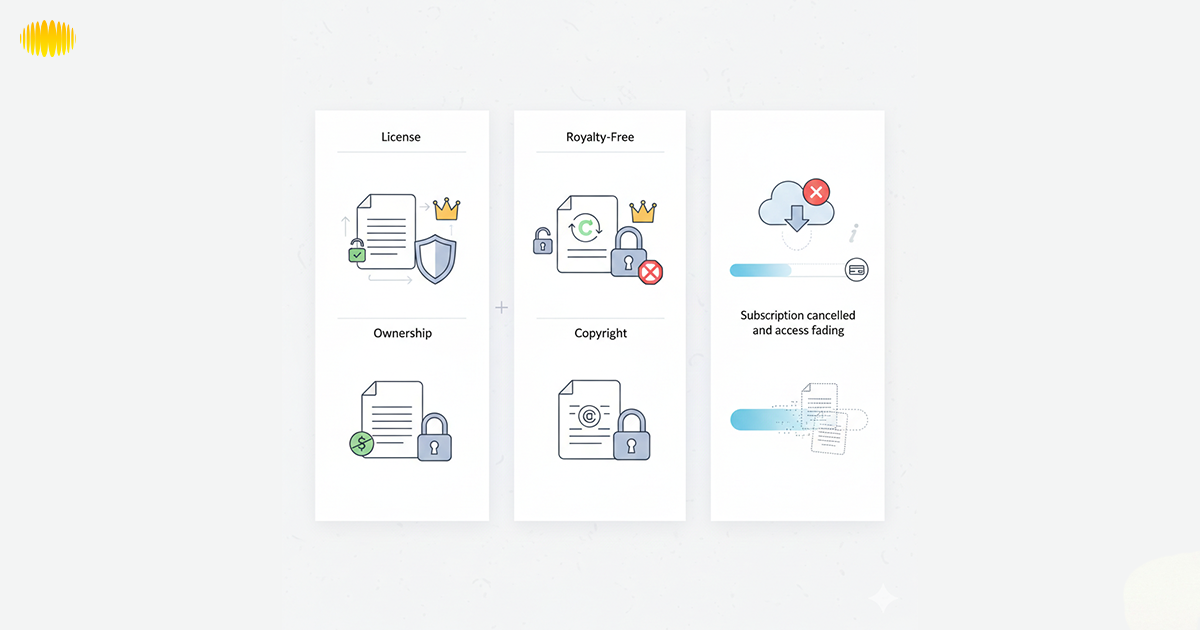
Commercial use depends on licensing, not on whether music is “AI-generated.” On most platforms, you do not actually own the asset; you simply have a license to use it. This license may permit monetization on native YouTube or advertisements, but not any 3rd party services.
Key points to understand:
- Commercial use and copyright ownership are different.
- “Royalty-free” means no ongoing fees, no ownership.
- Distribution rights vary by platform and plan.
- Cancelling a subscription may affect future use rights.
AI Music and US Copyright Reality
AI music and US copyright law do not always align. In the US, up to now, copyright generally must have been created by a human. Yet music composed completely by AI may not be eligible for full copyright ownership even if it sounds original or professional.
Some of the AI music platforms' licenses are for commercial use. Which means you can use AI-generated music, legally, in a video, an ad, or underneath a podcast. Ownership and use depend on the terms of the platform, not just copyright law.
Recommended Read: Technical Challenges and Ethical Issues in AI Music Generation
Pricing Models Explained
Understanding pricing models helps avoid unexpected limits. Common structures include:
- Subscription with Credits: Pay a monthly fee for credits to generate a set number of tracks.
- Subscription with Download Limits: Access to a fixed number of downloads per month.
- Usage-Based Pricing: Pay based on how much music you generate or the frequency of use.
- Free Tiers with Limitations: Limited access to features or downloads, ideal for testing the platform before upgrading.
Beginner vs Advanced User Experience
Beginner-focused AI music tools are designed to be quick and easy. You enter a prompt, choose a style, and generate music in seconds. These tools work well for basic songs, videos, or first-time users. No music theory or editing skills are needed.
Advanced AI music tools offer more control and flexibility. They include features like stems, MIDI exports, and repeatable results. These tools suit producers and experienced creators who want to edit, refine, and build music inside professional software.
Recommended Read: What Is Lofi Music? Meaning, Sound, And Why It’s So Popular
AI Music for YouTube, Ads & Podcasts
When using AI-generated music for platforms like YouTube or in podcasts and ads, keep these factors in mind:
- Monetization: Ensure the platform allows you to monetize the tracks on YouTube, where licensing can be strict.
- Attribution vs No-Attribution: Some tools require attribution, while others don’t. Know the rules.
- Safe Usage Framing: Confirm that the music is cleared for commercial use to avoid copyright issues.
Are AI Music Generators Replacing Musicians?
AI music generators are not here to replace musicians. They are utilities to enable faster ideating, demoing, or simulating simple production tasks. A lot of creators are using AI to get past creative blocks or get quick drafts out, not final masterpieces. Human emotion, taste, and intention are still relevant to what feels meaningful.
AI is not about replacing artists, but rather augmenting them. Musicians rely on it to tinker, hone ideas, and work more quickly. Yet curating creativity, its storytelling, and artistic decisions remain human-led, with AI as an assistant rather thana replacement.
The Future of AI Music Generation
The future of AI music generation is focused on improving sound quality, creating longer and more structured tracks, and enhancing the overall music creation experience. Sound will be more realistic with better intonation, emotion, and diction. AI tools will be available for more languages and genres to help democratize music creation for a broader group of creators.
We anticipate that licensing will be more obvious and creator-friendly. Platforms will emphasize clear commercial use guidelines and safer monetization opportunities. As instruments get better, AI will be more like a creative assistant that helps users work faster, but without replacing human imagination.
Conclusion
By 2026, AI music generators will be practical tools for creators. Whether you’re looking for full songs with singing or just some background music, the proper tool will vary based on your objective. Knowing how each platform deals with exports, workflows , and licensing can save you a lot of time and confusion.
Rather than chasing the hype, concentrate on your use case. Selecting the tools will be determined by how and where you want to use the music. With clear licensing and ethical use of AI music, creativity can be augmented rather than replaced by the lack of human touch.
Frequently Asked Questions (FAQ’s)
1. What Is An Ai Music Generator Violin?
A music-generating AI is software that generates music based on text prompts via machine-learning models. You can easily create songs and background music with no instruments or music theory.
2. Can I monetize AI-generated Music On YouTube?
Let’s assume the platform’s license permits commercial use. Also, some such tools allow monetization only on a paid plan. Be sure to read the license carefully on these to remain copyright compliant or avoid claims and revenue issues.
3. Is It Possible To Upload Ai Music To Spotify?
Rights of Use: Rights to use depend on the tool and subscription level. Not all AI music generators provide the option to upload to streaming.
4. Do I have the copyright to AI music now?
Attribution is just a license on most platforms rather than owning copyright. This license may permit commercial use, but restrains distribution or sale.
5. An Explainer: Stems And Midi, Why Are They Important?
A pair of stems and a MIDI file possesses each element of a song in music software. They are valuable for producers who would like to have complete control over the mix and the composition.